Run a Scan Job
After Configuring a scan job, run it manually at any time, even if it has a schedule.
Start a Scan Job
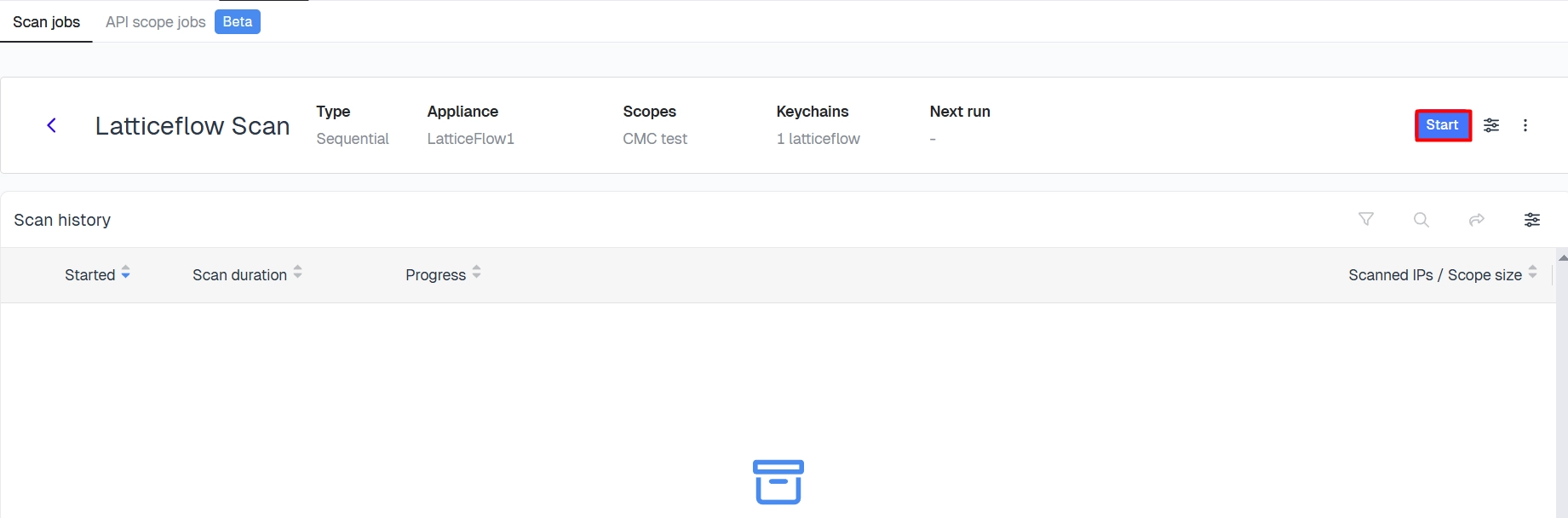
In the cloud Console, go to Discover → Scan Jobs, open the scan job, then select Start Job. The scan begins immediately and starts discovering systems within its scope.
Stop or Abort a Scan Job
While a scan is running, open it and select one of:
| Option | Description |
|---|---|
| Stop Job | Gracefully stops the scan after current operations complete |
| Abort Job | Immediately terminates the scan |
Monitor Progress
Once started, the scan job window shows its current execution status and progress. See Scan job status for how to review results once it finishes.