Scan Job Options
Scan job options (sometimes called enablings) modify the behavior of a discovery scan — for example, to scan cloud instances, collect additional network data, or enable troubleshooting features.
Configure them on a scan job’s Scan Details tab, in the Enablings field.
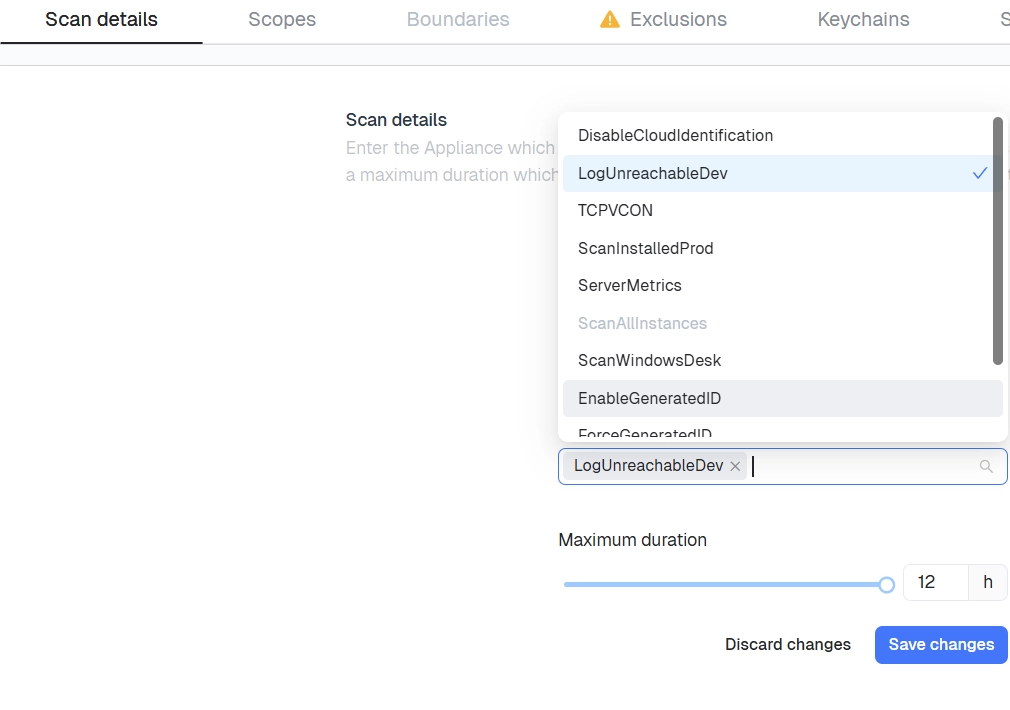
Available options include:
| Option | Description |
|---|---|
| Generated Device Identifier | Generate a unique identifier for each discovered device |
| Generate Scan Status for No Answer IPs | Record a scan status entry for IP addresses that don’t respond |
| TCPVCON | Collect additional TCP connection diagnostics |
| Workstation Scanning | Include workstation-class devices in the scan |
| Scan All Cloud Instances | Scan every instance in a connected cloud account, not just those in the defined scope |