Add Keychains
Discover uses credentials to access servers and services and collect detailed system information during scans. A keychain is a collection of credentials that can be reused across multiple Scan jobs, allowing credentials to be managed centrally instead of entered per scan.
What a Keychain Stores
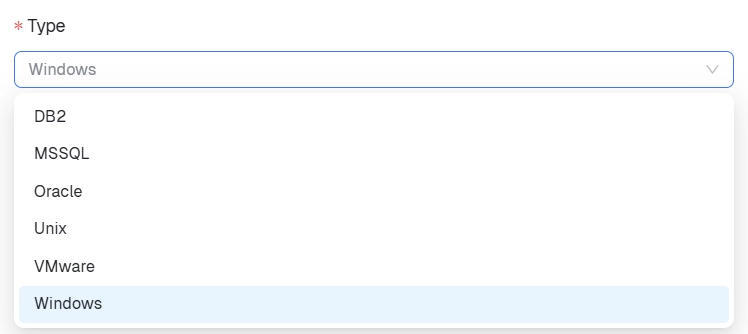
A keychain is a secure container for one or more credentials used to authenticate with servers, operating systems, databases, and virtualization platforms. Typical credential types include:
- Windows
- Unix / Linux
- VMware
- Oracle
- MSSQL
- DB2
Step 1: Create the Keychain
In the cloud Console, go to Discover → Configuration → Keychains, then select Create new keychain.
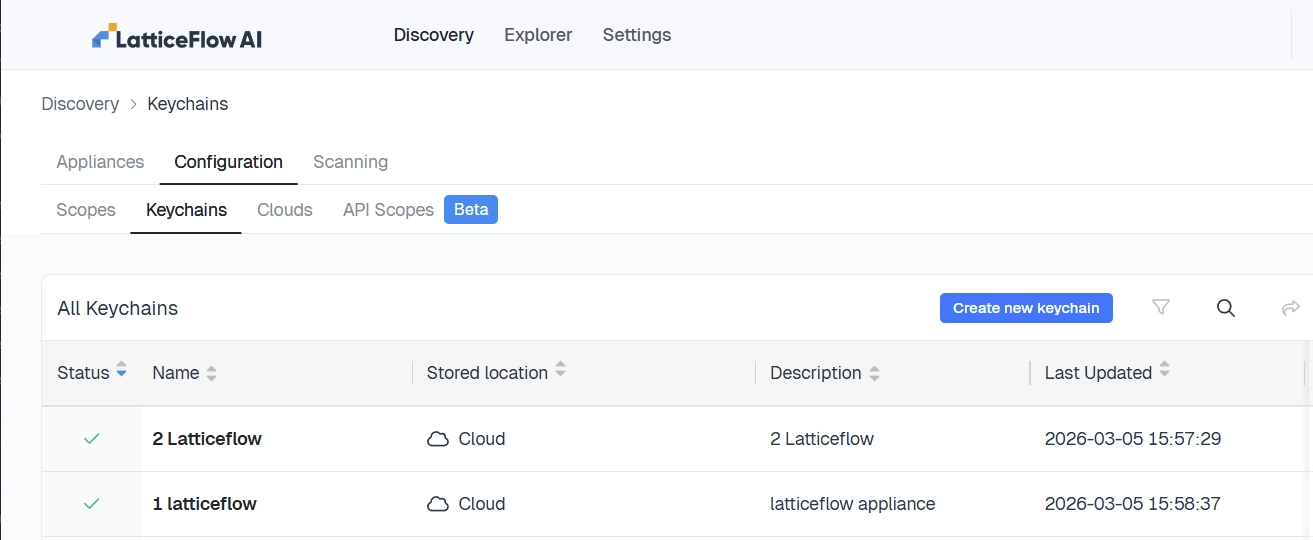
Enter a keychain name, an optional description, and where it will be stored, then select Create keychain.
Keychain Storage Locations
| Location | Description |
|---|---|
| Cloud stored | Stored in the cloud platform. Survives appliance replacement and is accessible across appliances. Recommended for most environments. |
| Appliance stored | Stored locally on a specific appliance. If that appliance is replaced or removed, its credentials must be recreated. |
Step 2: Add Credentials
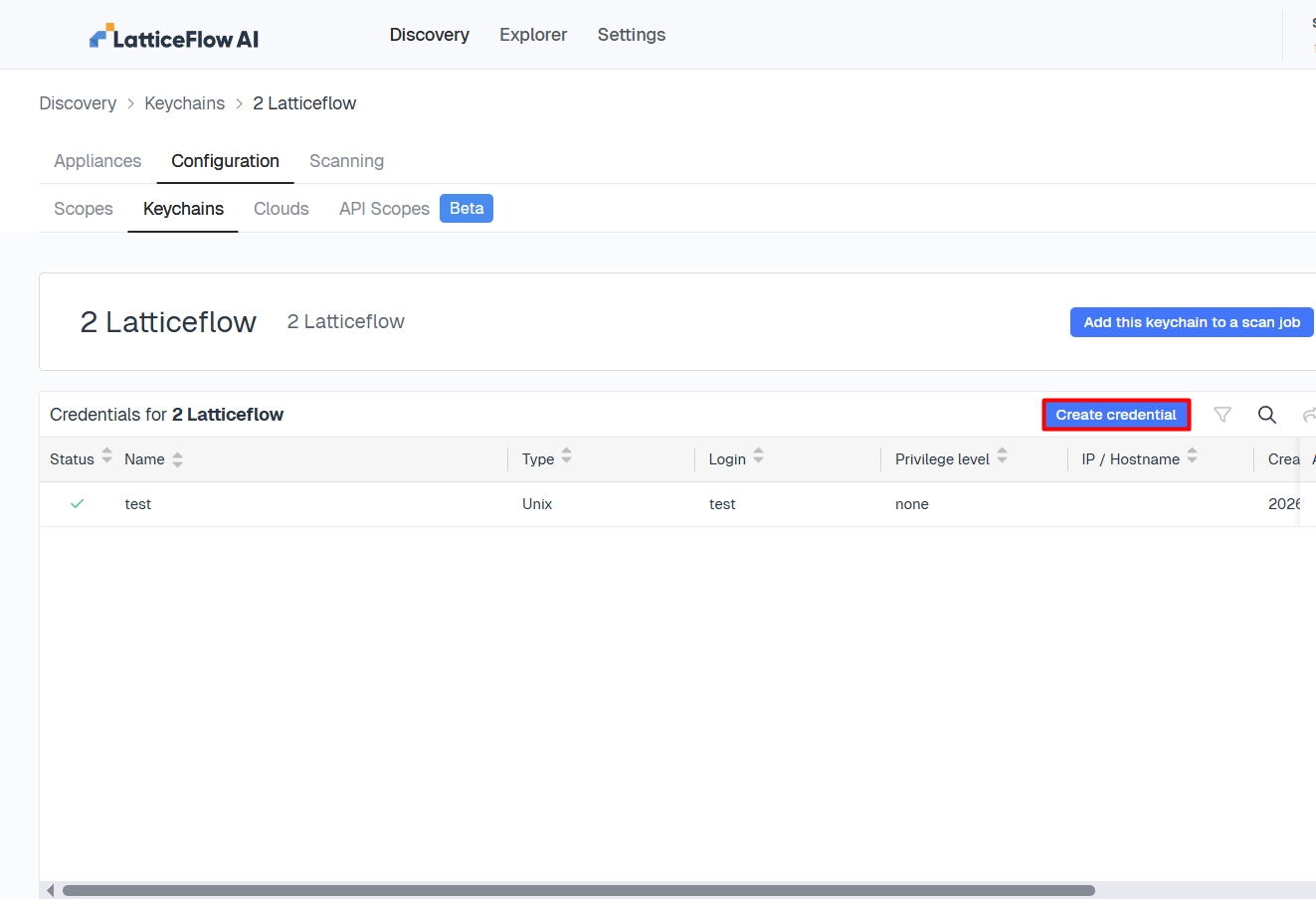
Open the keychain and select Create credential.
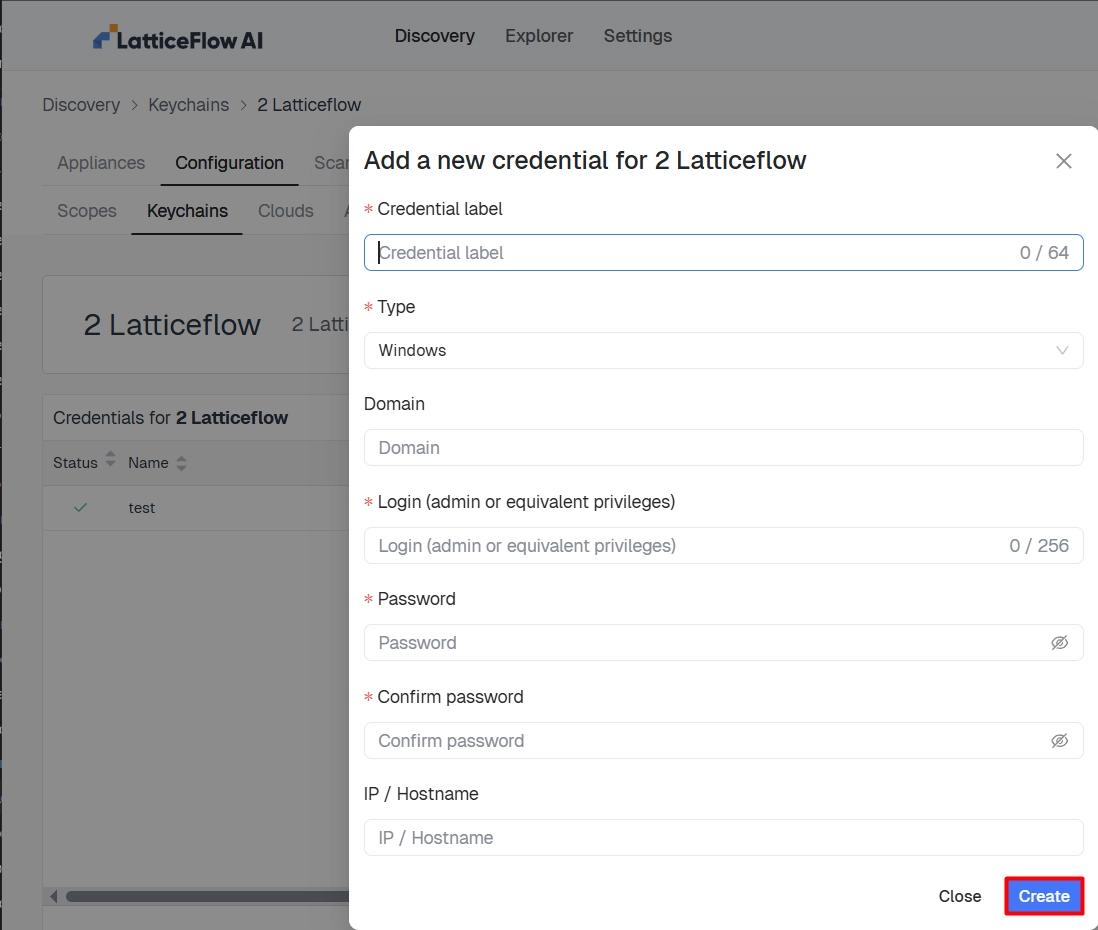
Enter the credential details:
| Field | Description |
|---|---|
| Credential label | A name used to identify the credential |
| Type | Windows, Unix, VMware, and so on |
| Domain | Required for Windows credentials |
| Login | Username for authentication |
| Password | Password for the account |
| IP / Hostname | Optional — restrict the credential to specific systems |
Select Create to save the credential.
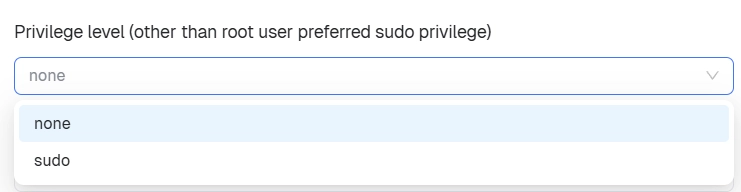
For Unix credentials, also set a privilege level: none for standard access, or sudo for elevated access. Root-level or sudo access is typically required for deeper discovery.
Using a Keychain in a Scan Job
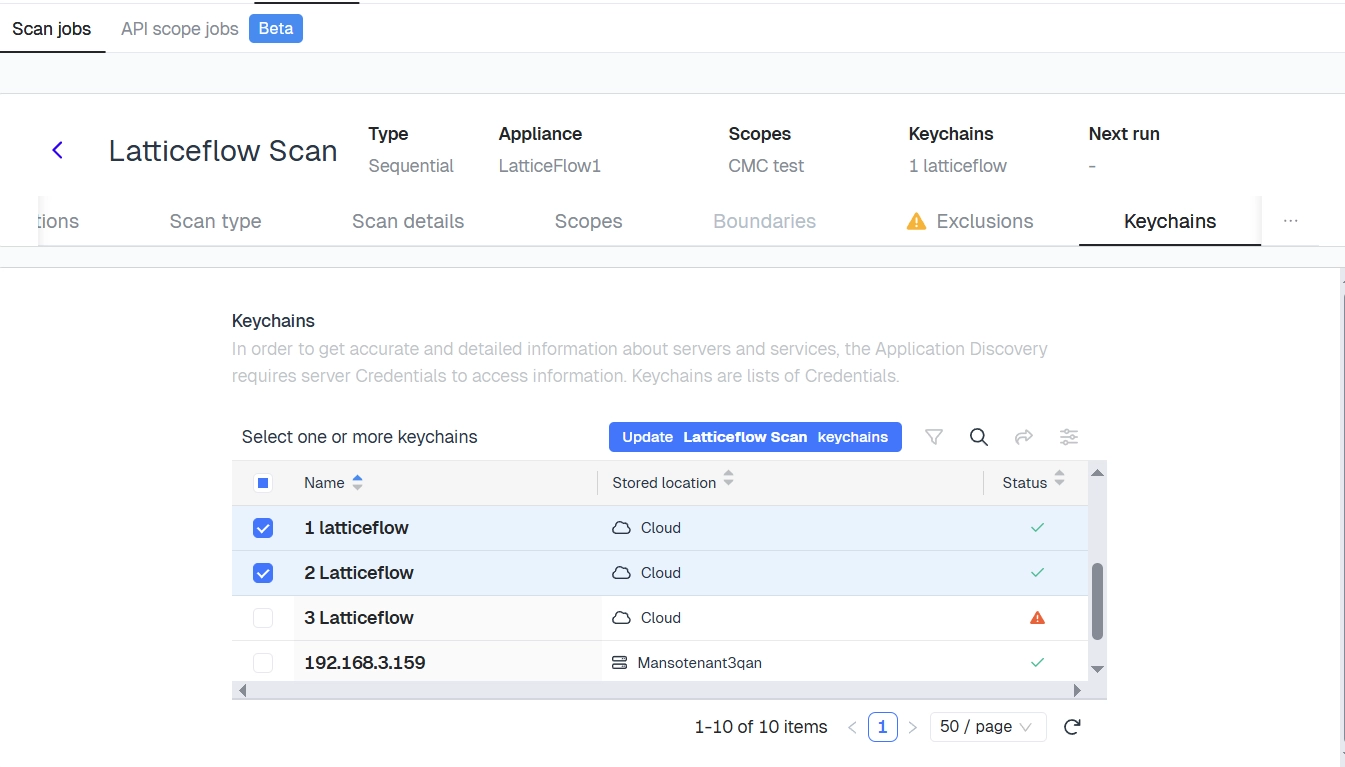
After credentials are added, select the keychain from the Keychains tab when Configuring a scan job. The scan uses the stored credentials to connect to discovered systems.
Best Practices
- Use separate keychains per environment (for example, Windows, Linux, databases).
- Grant least-privilege credentials where possible.
- Prefer cloud-stored keychains for portability across appliances.
- Restrict credentials to specific IP ranges when possible, and rotate them regularly.
With a scope and keychain in place, Configure a scan job.